Correcting the flight
🎯 Learning Objectives
By the end of this chapter, you will be able to:
- Understand the two correction methods: pause & reposition and in-flight adjustments
- Know when to pause vs. correct during flight
- Recognize when trajectory errors require mission restart rather than correction
- Identify environmental factors causing drone drift (propeller turbulence)
⏱️ Estimated time: 8-10 minutes
Introduction
For all the reasons described earlier, it can happen that the drone is not placed where we want it to be. Thankfully, there are ways to correct it. Let’s see how.
Pausing the drone
The most basic correction is to click the pause button (either on the screen or on the remote), which will stop the drone and hand over the control. You can then move the drone at the correct location, and resume the flight by clicking the pause button again.
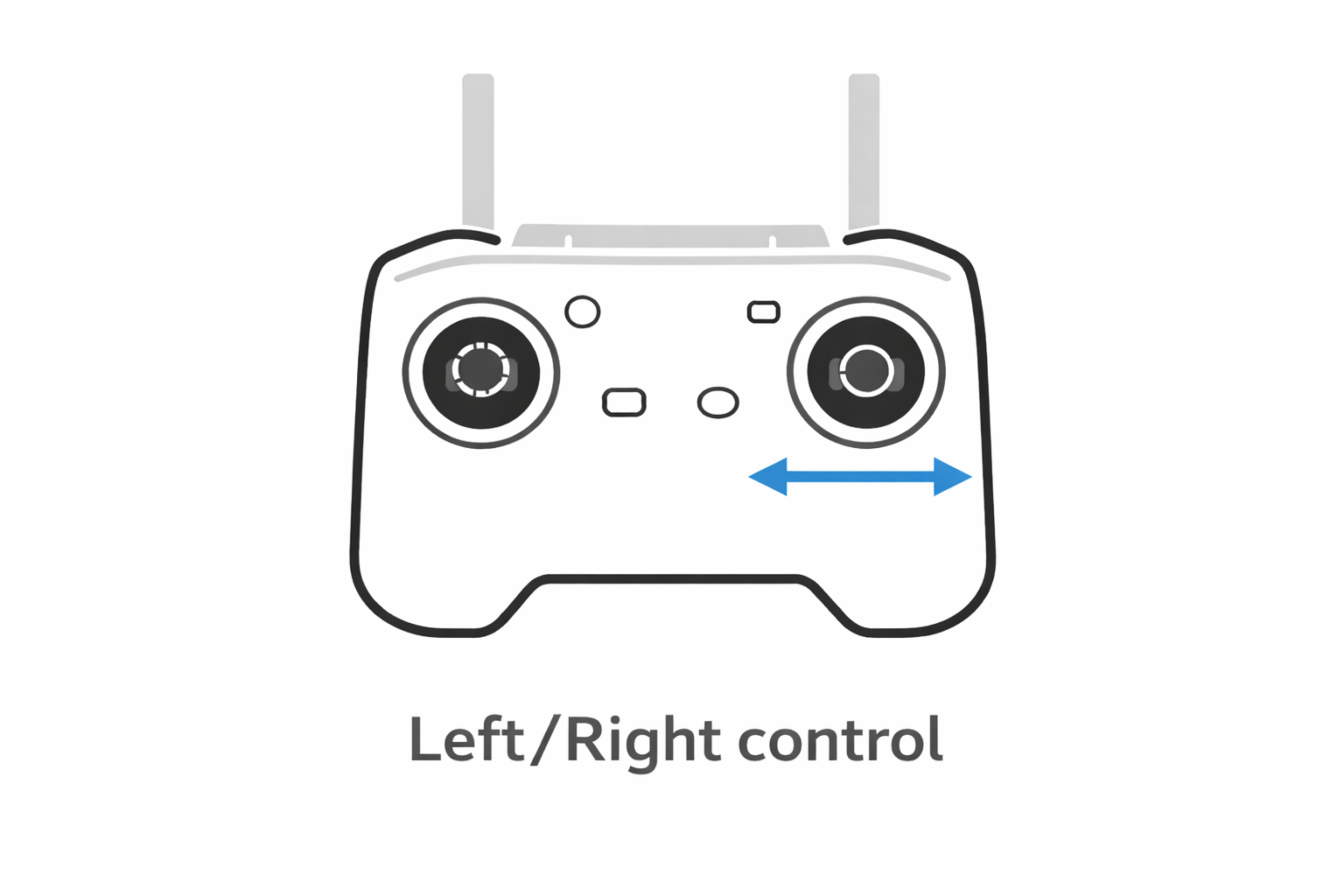
Moving during the flight
If you only have a small correction to do, you can do it without pausing the drone : give a bit of yaw, or some throttle, to align the drone with the blade. If the correction is important, pause the drone beforehand, to make sure the pictures are not impacted by the correction.
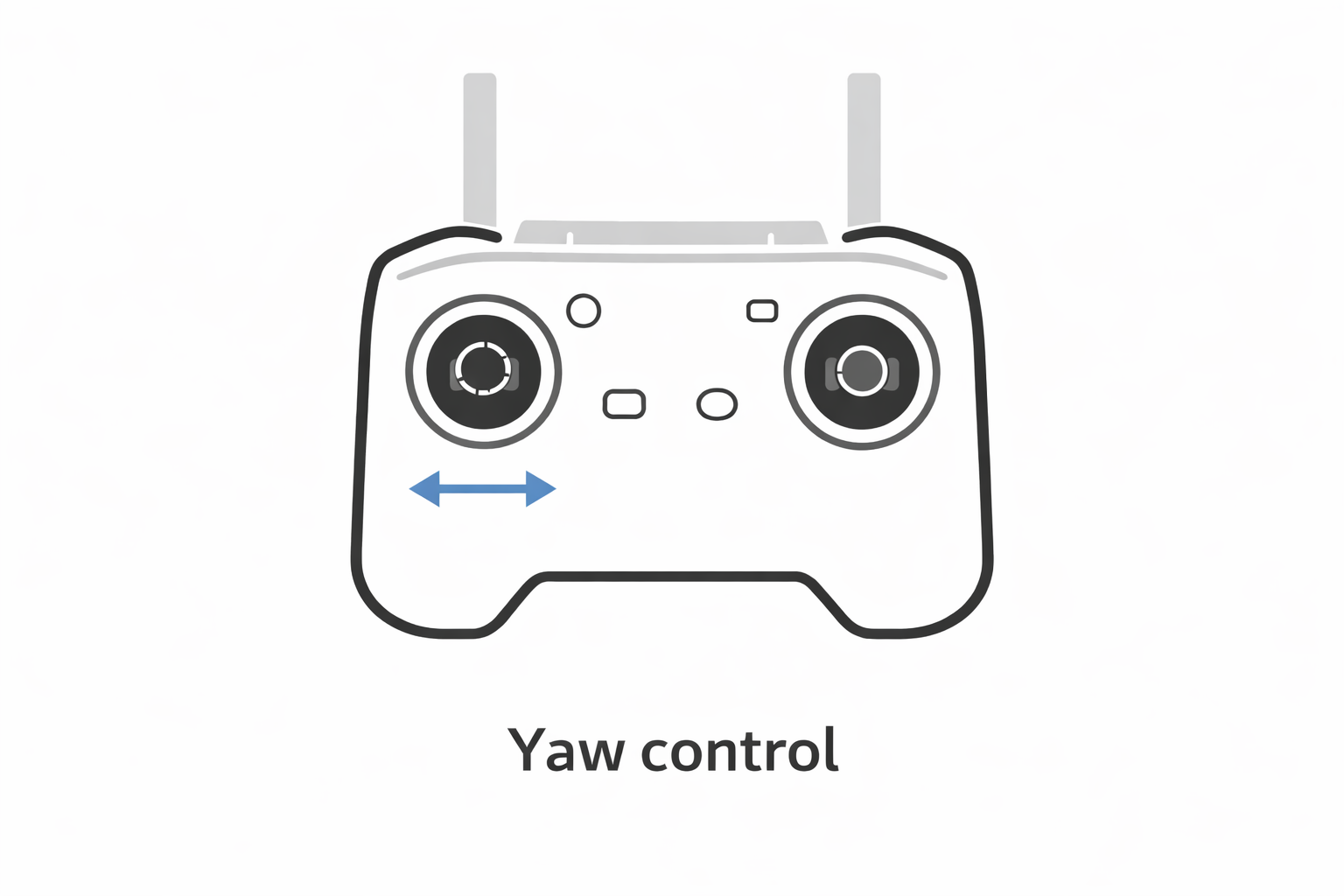
💡 Pro Tip
Pitch and yaw
Lastly, you can also play with the angle of the camera.
⚠️ Critical Rule
However, you can move the pitch up and down if the blade is not exactly in front of the camera. Never move the pitch more than 10°. If you need to pitch more than that, it is better to move the drone itself so that the camera points at the correct side of the blade.
📝 Note
Quiz
What are the available correction methods during automatic flight?
Multiple answers
- Pausing the drone and manually repositioning it
- Making small adjustments without pausing (yaw, throttle)
- Adjusting camera pitch angle
- Changing the exposure settings
When should you pause the drone before making corrections?
Single answer
- For any type of correction
- When a significant position correction is needed to avoid impacting picture quality
- Only when battery is low
- Never, corrections should always be made during flight
Why is the gimbal yaw normally not adjusted during flight?
Single answer
- It consumes too much battery
- It should stay aligned with the drone direction
- It affects the focus
- It changes the exposure
When to correct the flight ?
As we’ve seen already, the drone can be misplaced for a number of reasons. In some situations, even when correcting the drone position, it will keep on going to its desired target, which might not be correctly placed. In such a situation, the only solution is to stop the mission and start over.
On the following video, we can see that the drone tries to get to a point less than 3m away from the nacelle. As the error is in the trajectory, the only solution is to start over, create a new mission and redo the calibration. You can create a mission with a single trajectory so you don’t have to start all over again. For example, if you’ve already performed the Top and Left paths and the drone isn’t transitioning to the Right path due to the trajectory, simply perform a full Right path again.
Quiz
What is the maximum camera pitch adjustment recommended?
Single answer
- 5°
- 10°
- 15°
- 20°
Why might adjusting camera pitch beyond the recommended limit be problematic?
Single answer
- It will damage the gimbal
- It indicates the drone position itself needs correction, not just camera angle
- It affects battery life significantly
- It changes the image exposure
When should you abort and restart a mission rather than continue with corrections?
Single answer
- After any small trajectory deviation
- When the battery is below 50%
- When the computed trajectory itself has errors causing repeated dangerous positions
- When wind speed increases slightly
What causes the drone to yaw during descent along the top blade?
Single answer
- GPS signal loss
- Incorrect calibration
- Turbulent air pushed down by the drone's propellers
- Magnetic interference from the turbine
✅ Chapter Summary
Excellent! You now know how to handle flight corrections. Here’s what you’ve learned:
🎯 Key Points to Remember
Three correction methods:
- Pause & reposition: Full control, safest for significant corrections
- In-flight adjustments: Small yaw/throttle corrections without pausing
When to pause:
- Significant position corrections needed
- To ensure pictures aren’t impacted by correction movements
Camera angle rules:
- Gimbal yaw: Always aligned with drone direction (don’t touch)
- Camera pitch: Maximum ±10° adjustment
- Drone yaw: Can be adjusted for positioning
When to restart mission:
- Computed trajectory has fundamental errors
- Drone repeatedly approaches dangerous positions (<3m)
- Corrections don’t resolve the underlying trajectory issue
Environmental factors:
- Propeller downwash creates turbulent air
- Can cause yaw drift when descending along top blade
- GPS drift and barometer errors compound positioning issues
💭 Before moving on…
Make sure you understand:
- The difference between minor in-flight adjustments and major corrections
- Why excessive camera pitch indicates a positioning problem
- When trajectory errors require starting over vs. simple corrections
Ready to learn about mission preparation? Next chapter!