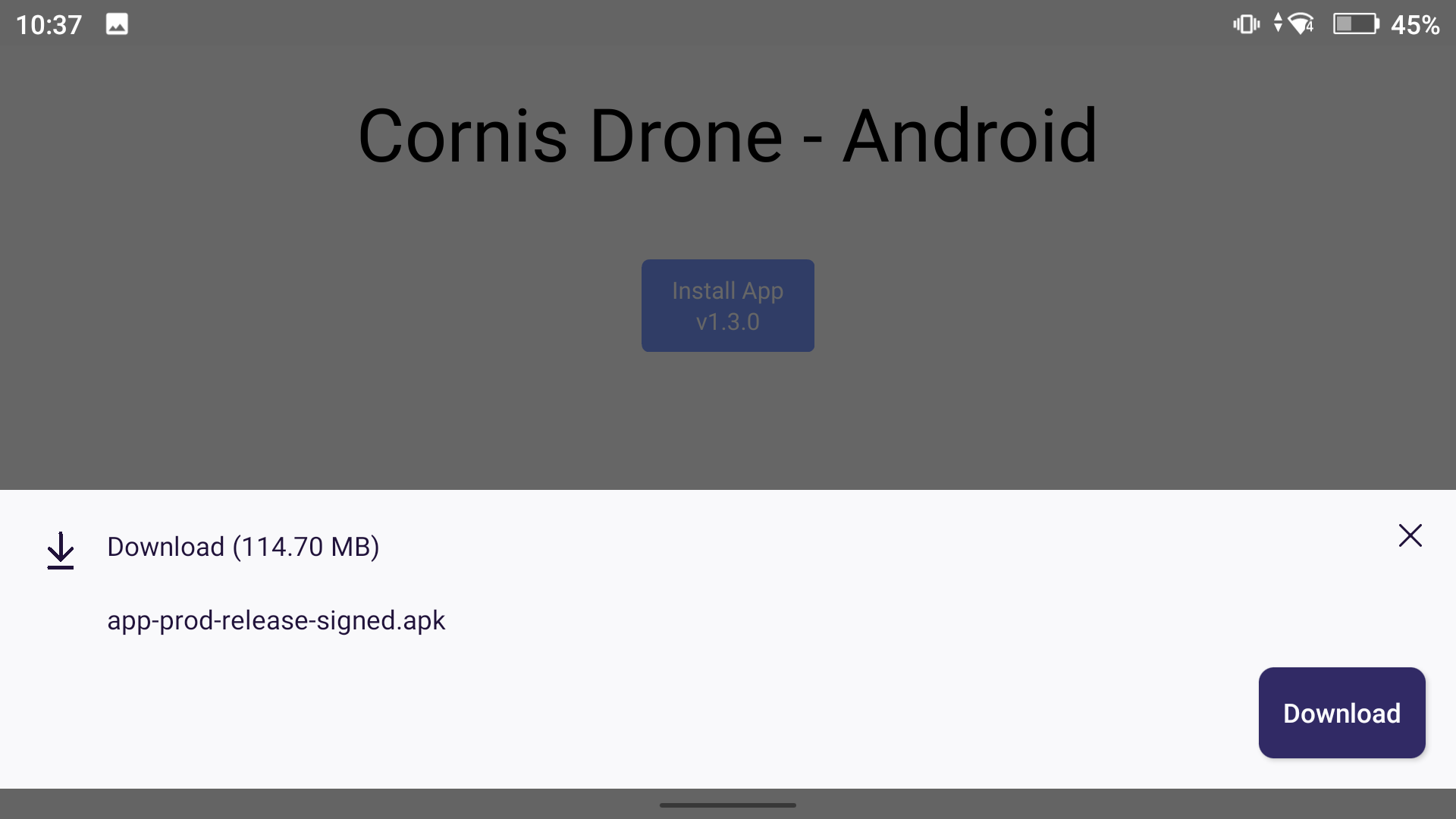
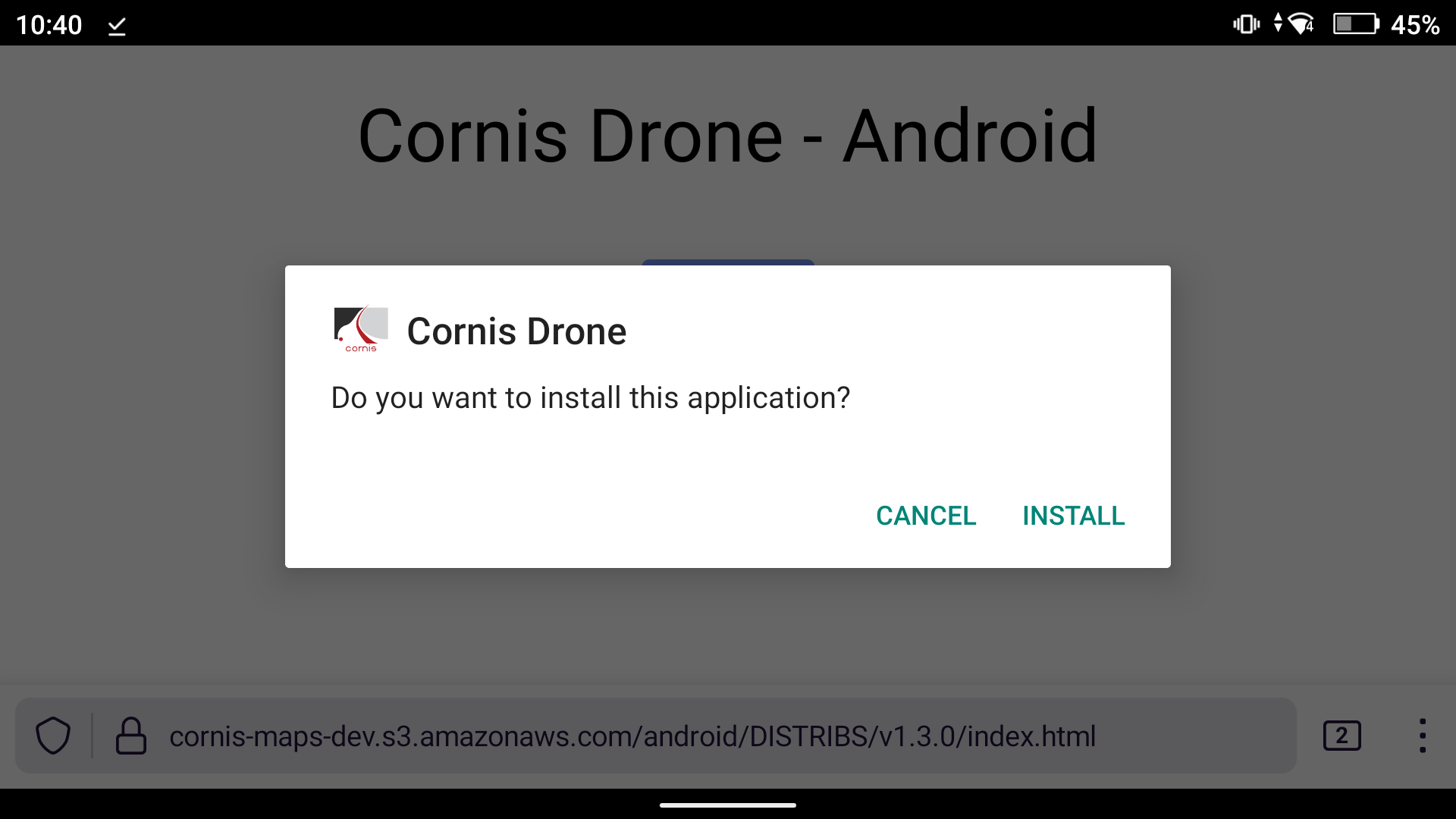
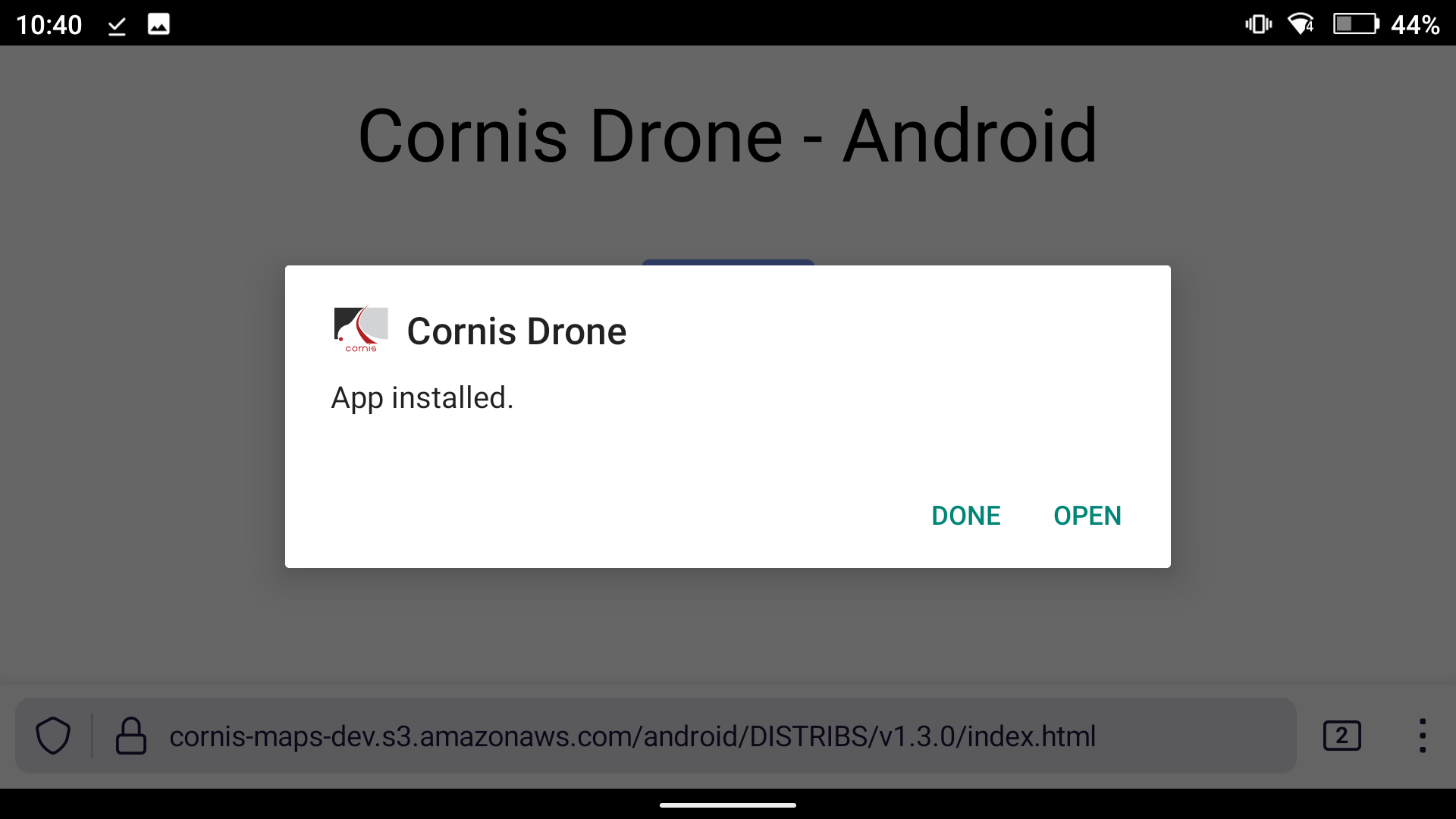
Download App
Get the latest version of the Cornis Drone App with all new features and improvements.
Release Levels
3 simple levels based on stability.
Latest version
v2.5.1 - Latest Version Certified
Blade segmentation: The app detects the blade on-screen and shows only the blade histogram to help exposure tuning. A red bar indicates the histogram midpoint. This setting is disabled by default and not available on M300.
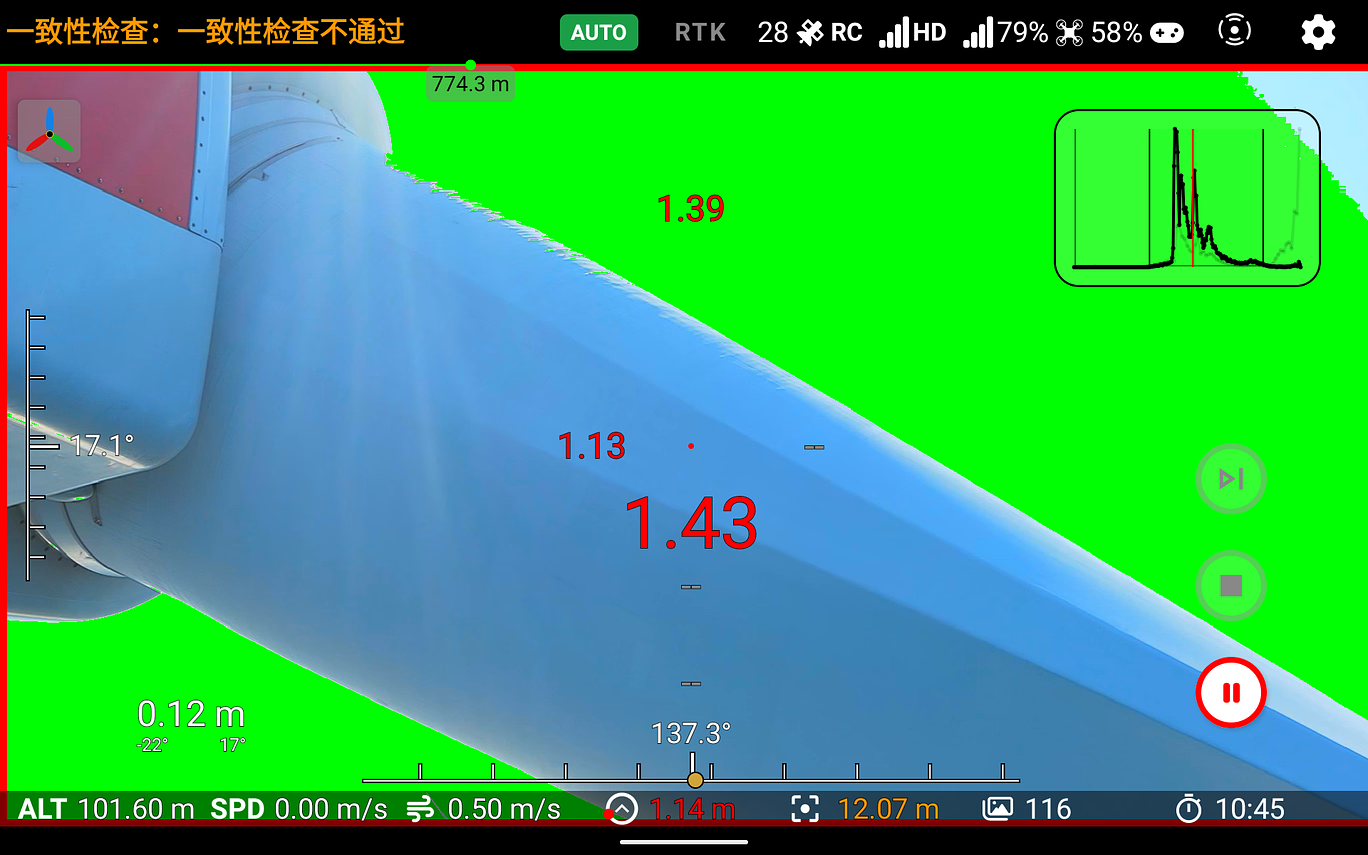
Segmentation
Skip Waypoint: Ability to skip a waypoint if it looks dangerous. Only available within 5 m of the waypoint and when the drone is in Pause mode.
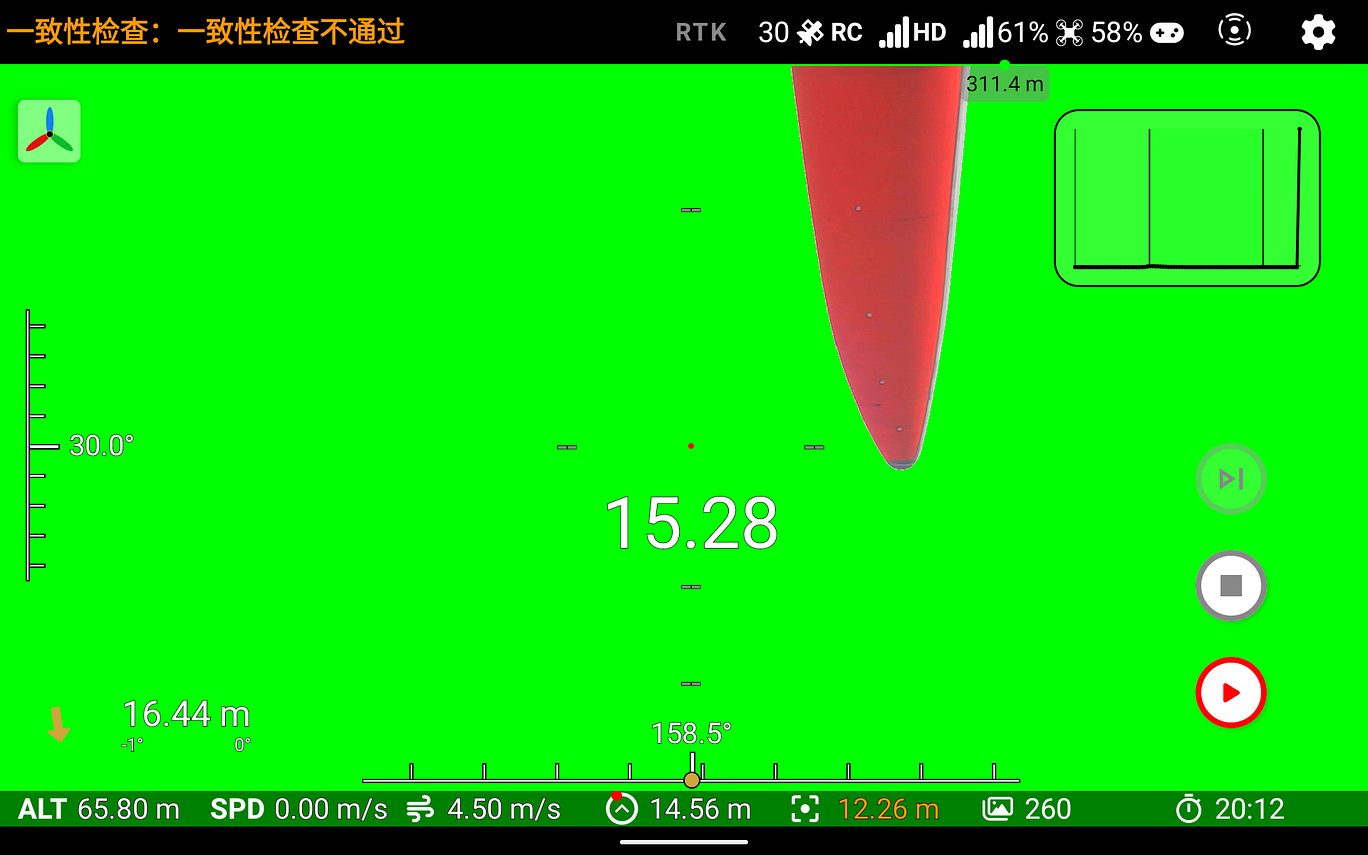
skip_waypoint
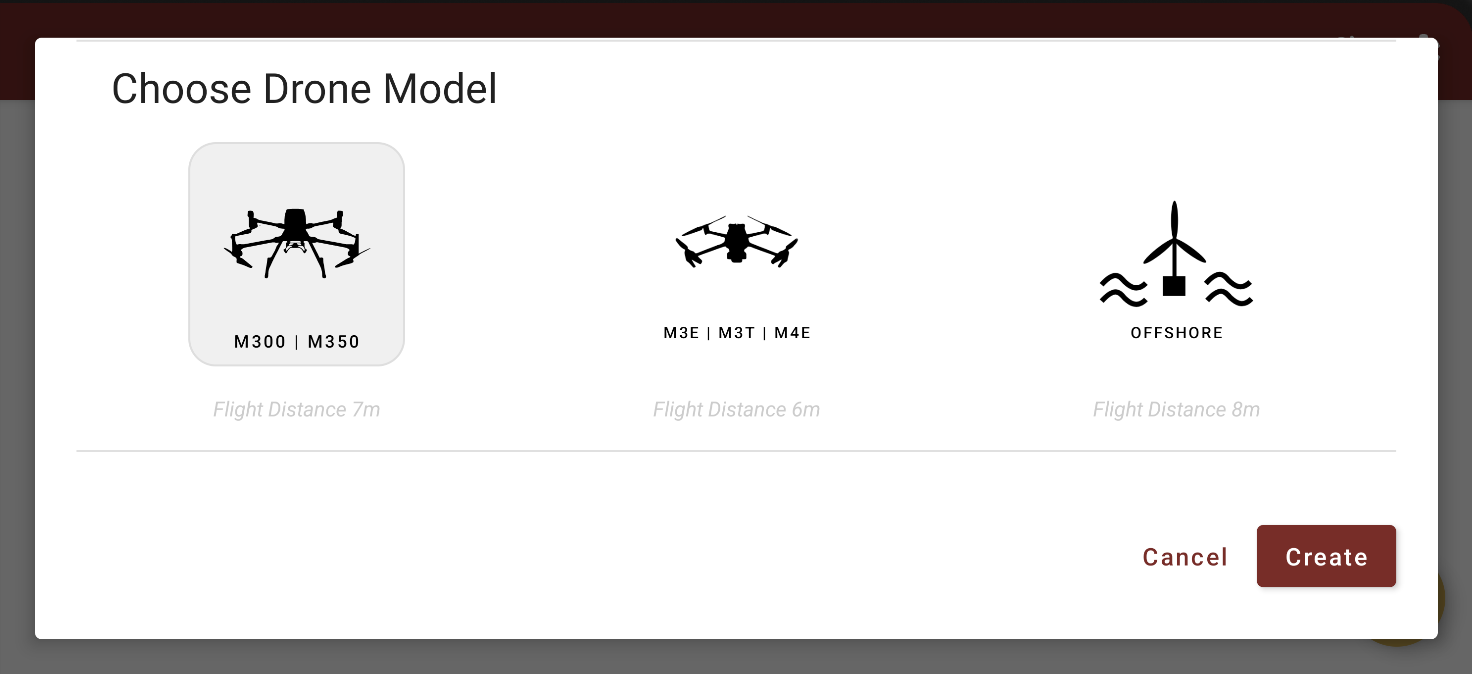
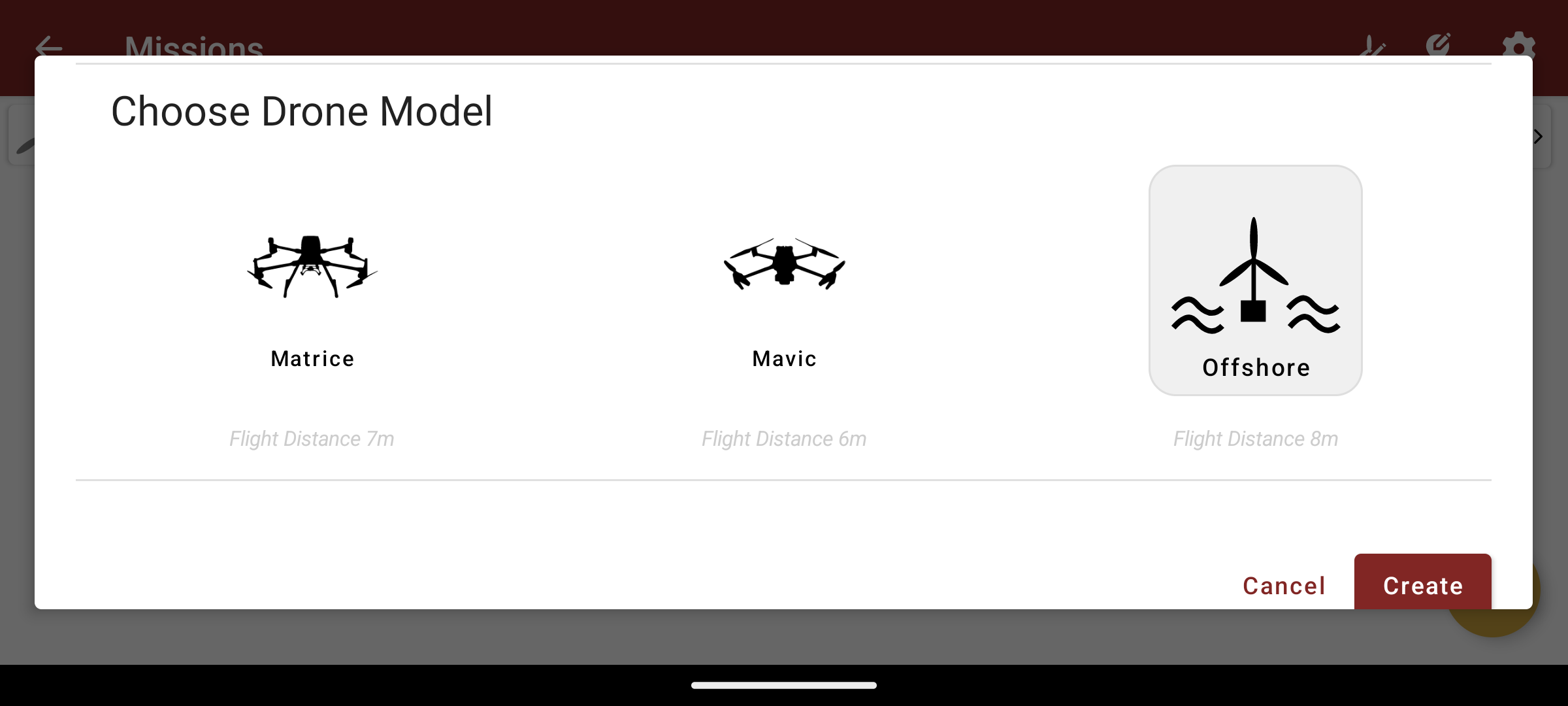
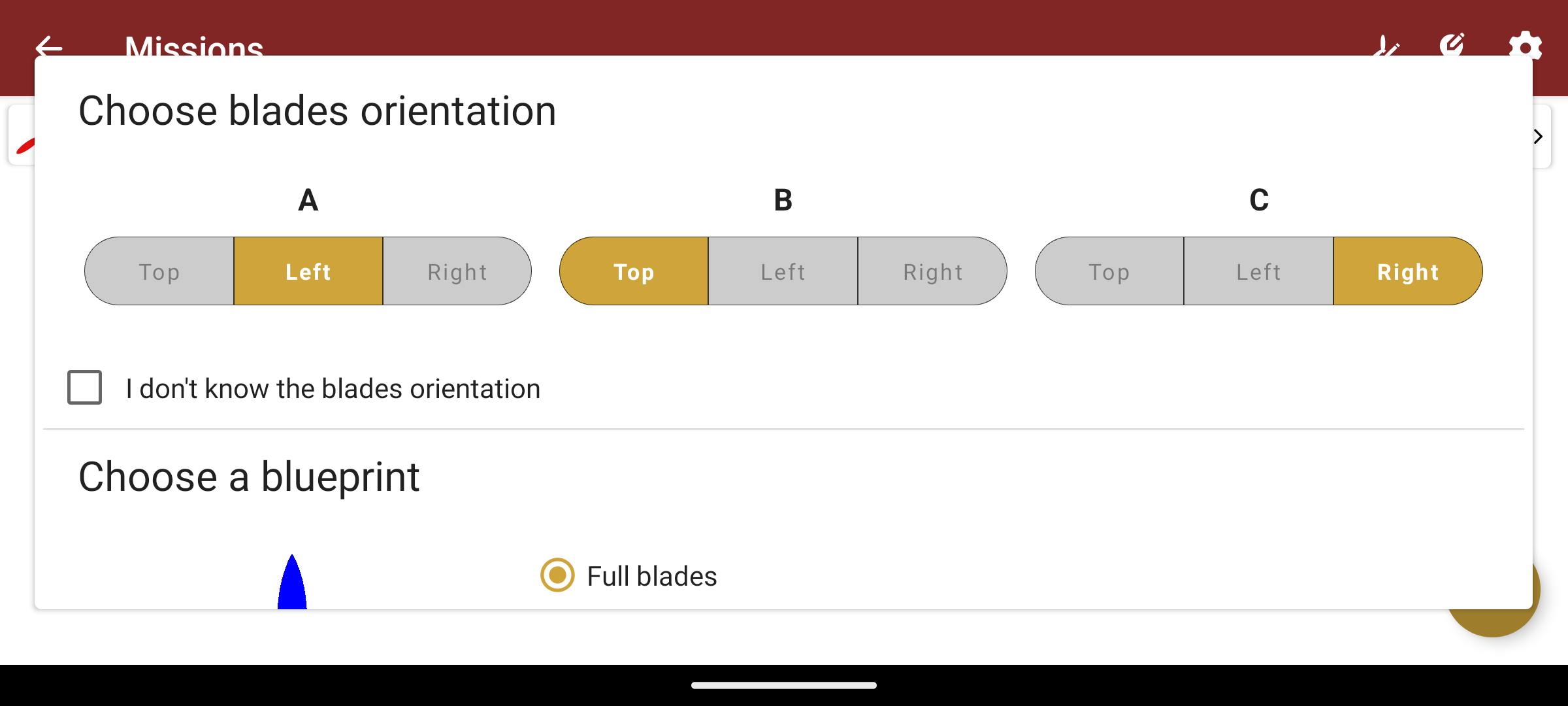
New mission creation design: 3D GIFs added to illustrate which part of the blade is inspected and the required calibration points.
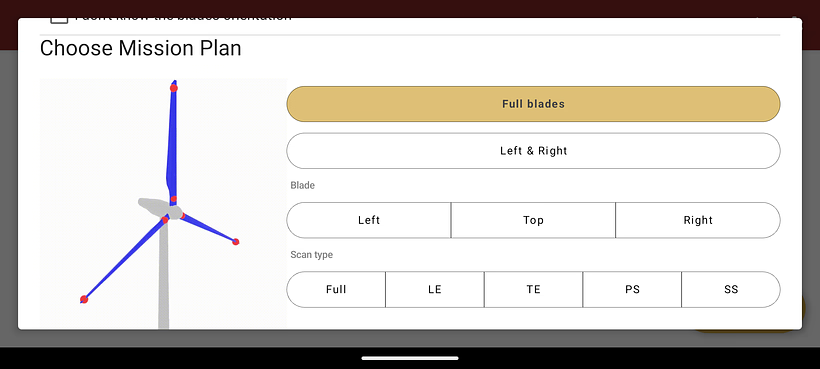
new_mission_design
Increased safety distance: Safety distance raised to 3 m (was 2 m). Defines when AutoPilot stops moving.
Breadcrumb (park / turbine): Park and turbine name added to the top bar so you always know which inspection you’re preparing.
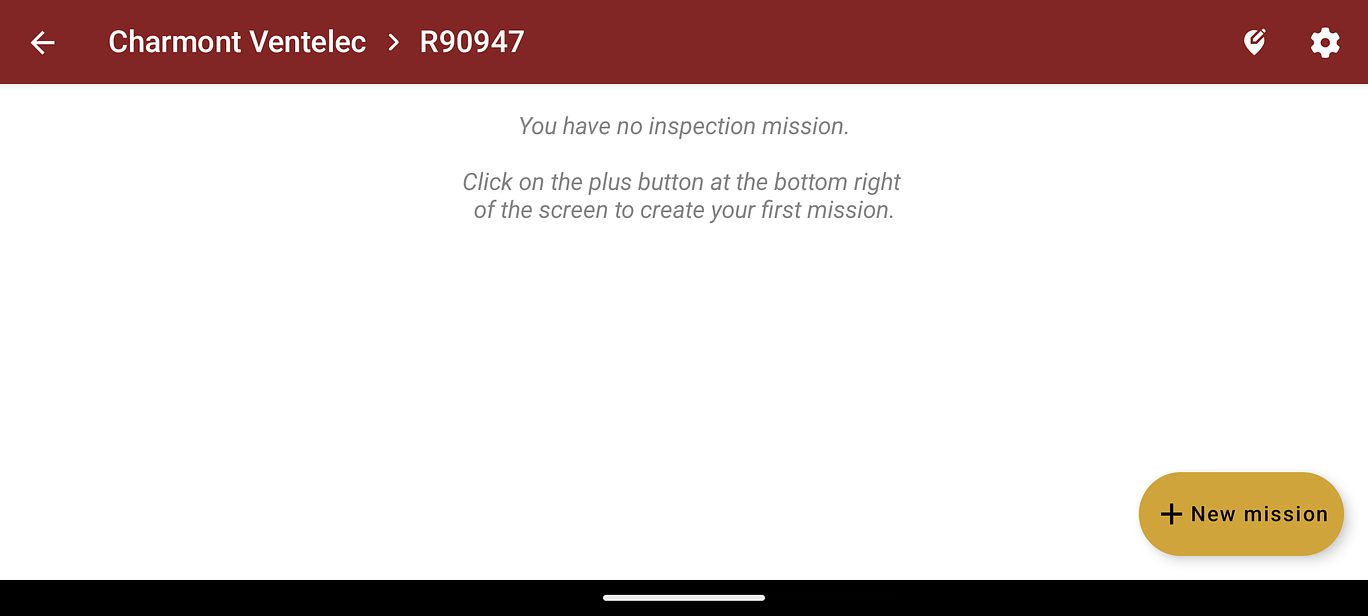
breadcrumb
More visible flight mode: “Auto” flight mode added to live view so pilot knows when the drone is moving autonomously.

mode_auto
Redesigned calibration buttons: More intuitive buttons to resume a point; small trash icon to delete a KP.
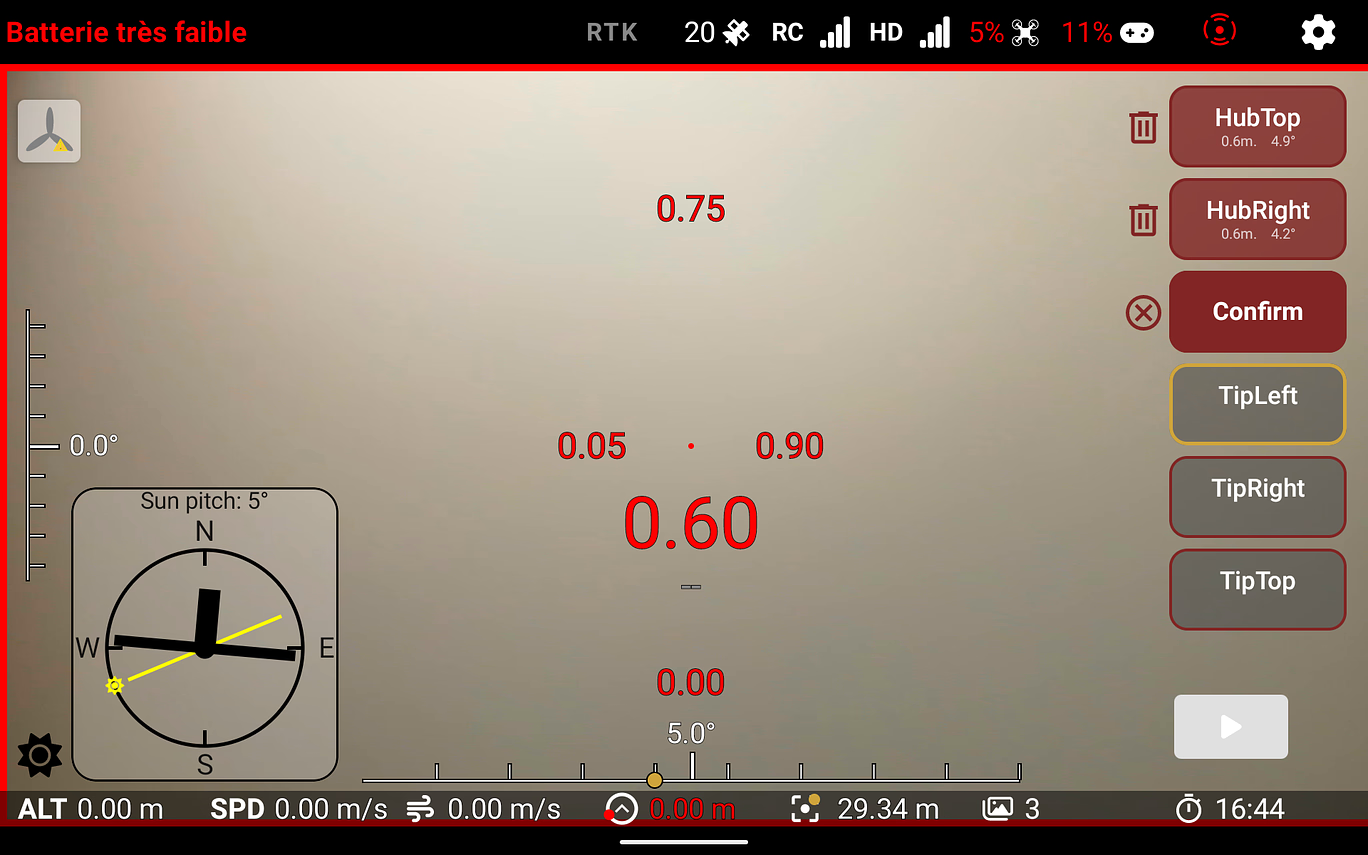
keypoint_design
What’s new / Changes:
- Added a “High brightness” setting for the M4E
- Ask Mavic users again to focus at the start of an inspection
- Prevent resuming a mission started before killing the app
- Tower inspections compatible with the 50mm lens
- Removed unnecessary steps in single-run trajectories
Bug fixes:
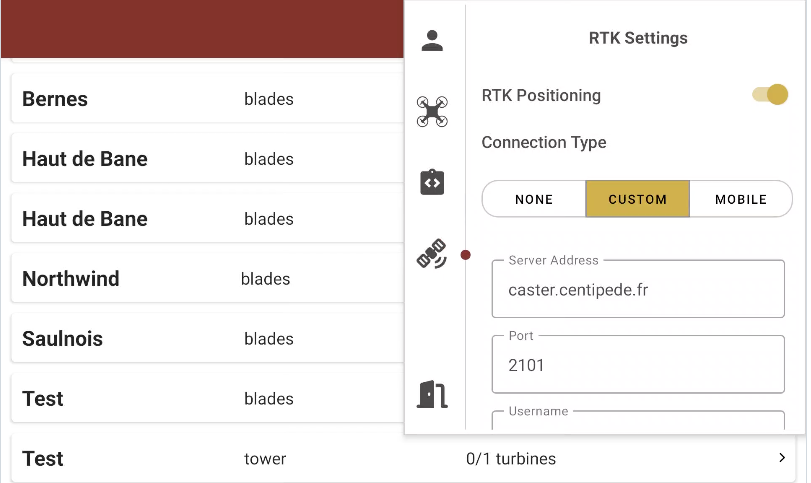
- App crash when leaving RTK settings empty
- App crash sometimes at end of inspection
- Could not focus on Mavic
- Keyboard not disappearing on login page
- Pressing pause while in Sport mode broke the pause button
- Closest campaign did not suggest mast campaigns